Various protocols are used to transfer data from the client to the server and vice versa. Their rules are described in the relevant standards. In this article, we will discuss one data transfer protocol — WebSockets.
What is a WebSocket protocol?
WebSocket is an advanced technology to create a connection between a client and a server (browser and server) and enable communication between them in real-time. The main difference with WebSocket is that it allows you to receive data without having to send a separate request, as, for example, happens in HTTP. After the connection is established, the data will come by itself without needing to send the request. It is the advantage of using the WebSocket protocol in chats or stock reports, where you need to receive constantly updated information. The protocol can receive and send information simultaneously, allowing for full-duplex bidirectional communication, which results in faster information exchange.
How does WebSockets work?
The connection between client and server remains open until it is terminated by one of the parties or is closed by a timeout. They perform a handshake to establish a connection between the client and the server. An established connection remains open, and communication is carried out using the same channel until the connection is terminated on the client or server-side. Messages are exchanged bidirectionally. WebSocket allows you to encrypt data that is transmitted. For this, an add-on is used over the WSS protocol, which encodes the data on the sender's side and decodes it on the recipient's side. For any intermediaries, the information remains encrypted. Without encryption, data becomes a target for threats.
When to use WebSocket?
WebSocket protocol is ideal when you need real-time data updates and the ability to send messages to the client. Here are some of the more widespread use cases for web sockets:
- exchange platforms;
- gaming applications;
- chatbots;
- push notifications;
- social networks;
- chat applications;
- IoT applications.
Why consider using the WebSocket protocol?
WebSocket provides real-time updates by providing a connection between the server and clients. Web sockets are HTML5 compatible and provide backward compatibility with older HTML versions. Therefore, they are supported by all modern web browsers — Google Chrome, Mozilla Firefox, Safari, and others. It is also compatible across platforms: Android, iOS, web apps, and desktop apps. A single server can have multiple WebSocket connections open simultaneously and even multiple connections to the same client, allowing for easy scaling.
How to create a WebSocket in AppMaster.io?
Let's create a WebSocket in AppMaster.io using a simple chatbot example. To create a WebSocket, you need to create a business process in the application backend that will respond to user messages and send responses: Backend > Business Processes.
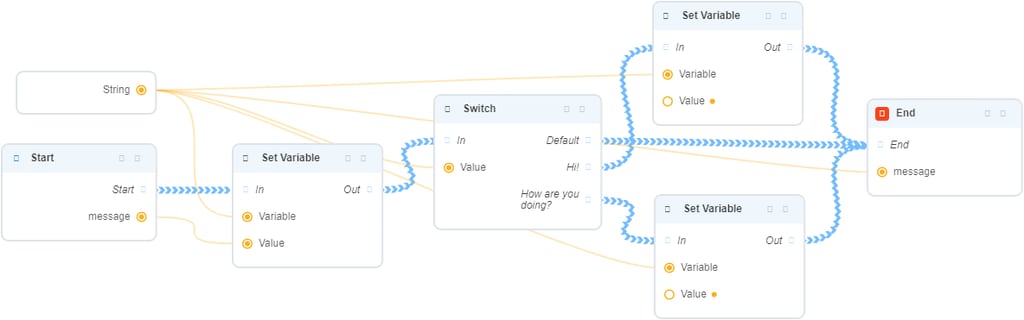
If the message = "Hi!", then the response will be saying "Hello!";
If the message = "How are you doing?", the BP will return the string "Great! How about you?";
In any other case, the BP will work as an echo and return the same string it received at the input in response.

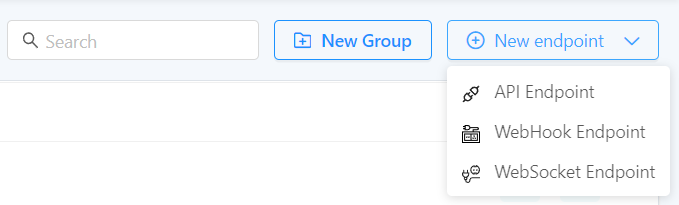
Then, you need to create a WebSocket Endpoint for this BP to communicate with the bot: Backend > Endpoints > New Endpoint > WebSocket Endpoint.
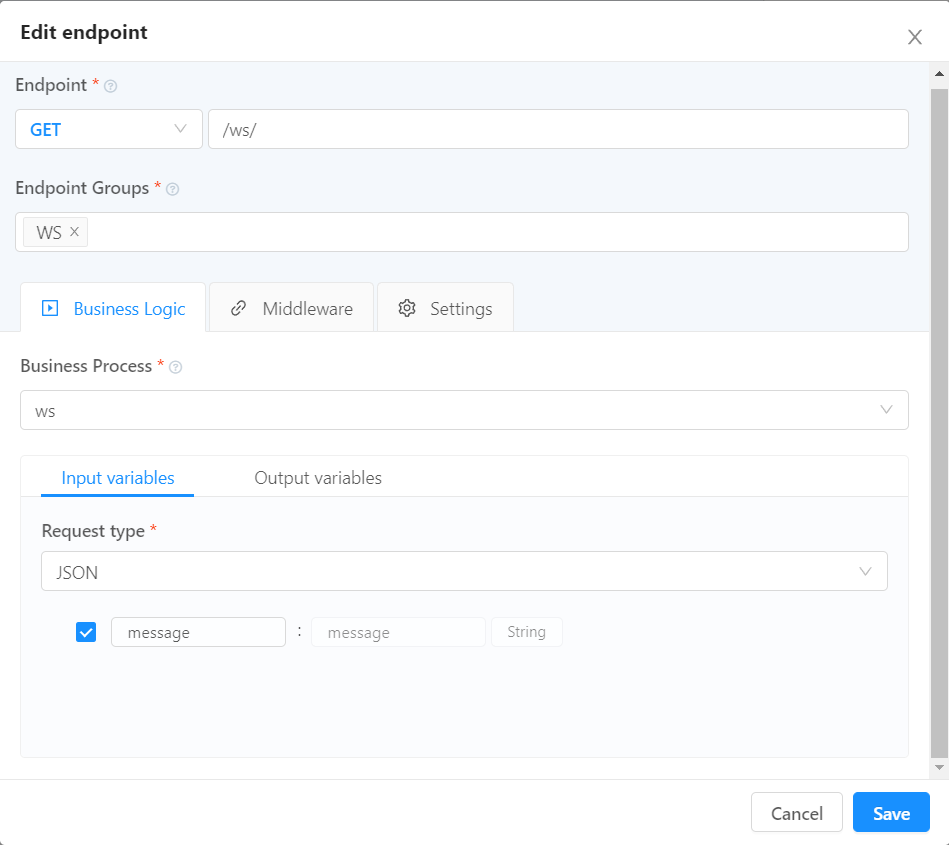
- Endpoint Type: GET
- Endpoint URL: the address at which the endpoint will be accessed from the outside;
- Business Process: indicates the BP that will work on this WS Endpoint;
After setting up the endpoint, you need to publish the application to use it.
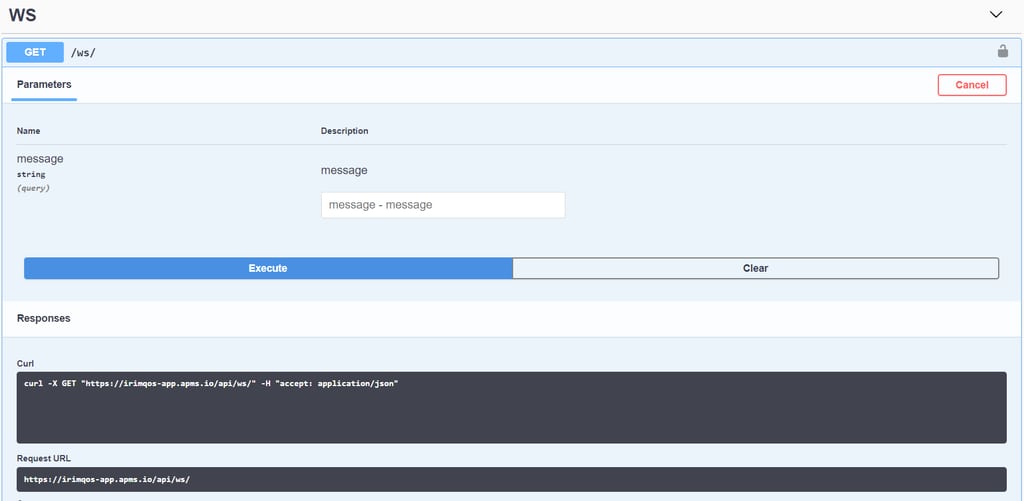
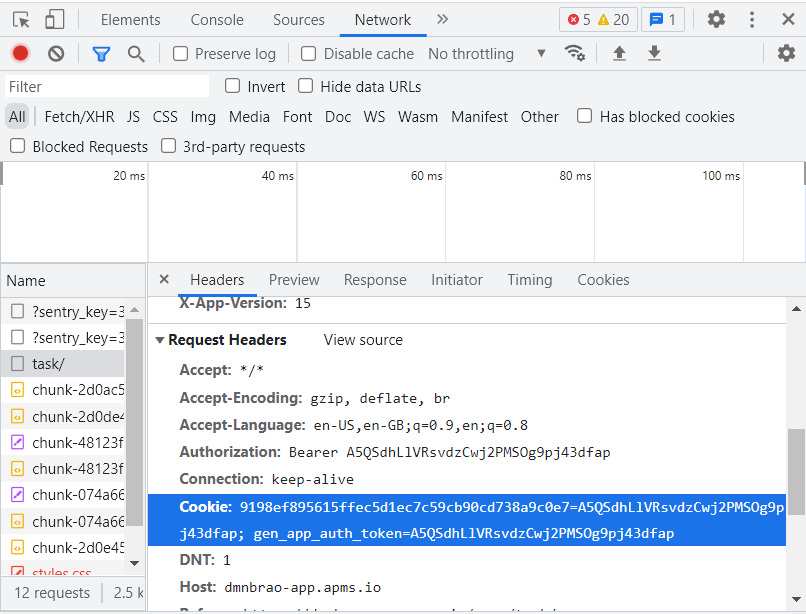
You can manually find the Cookie as follows:
- in a published web application in a browser, press F12 to go to the developer tool;
- go to Network and switch to the Headers tab;
- in the Request Headers section, find the Cookie and copy the value.
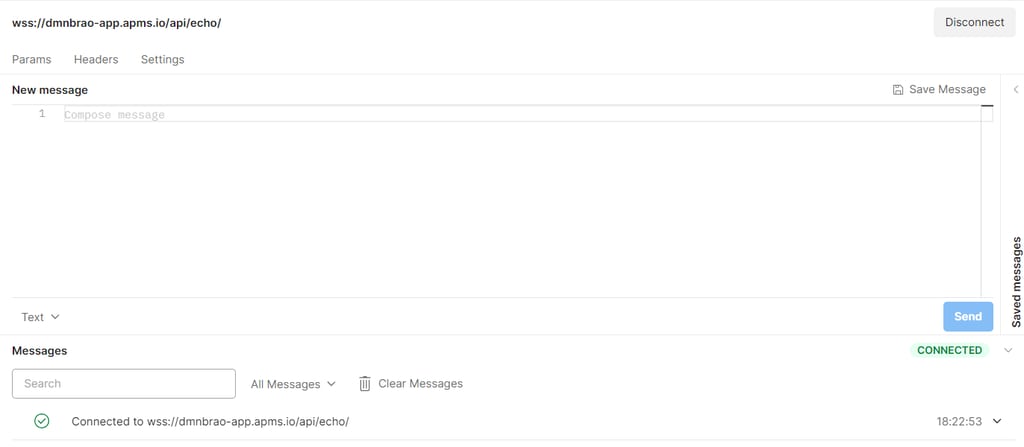
The result of a successful connection is shown below:
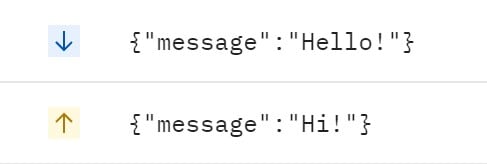
Query execution result: